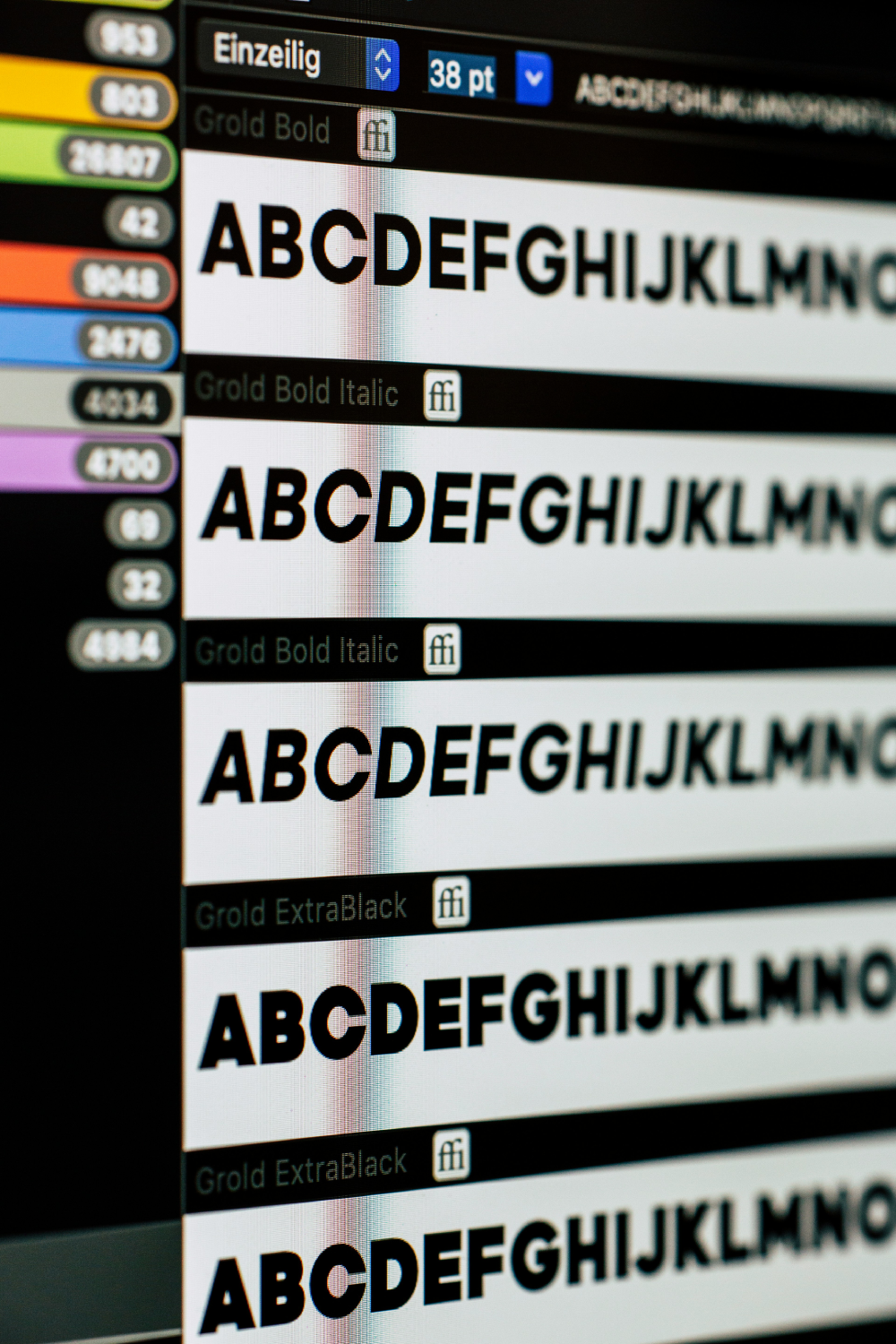
A UI typography system is more than a font size list. It's the set of rules that answers: what size is this text, where does it live, and how does it behave across layouts and accessibility settings?
Define roles, not just sizes
Instead of `text-16`, `text-20`, `text-24`, define roles like `heading-lg`, `body-md`, `caption`, and `button`. Roles let you adjust the underlying scale later without rewriting the UI.
- Use responsive type steps for key breakpoints to avoid sudden jumps.
- Set line-height alongside font-size so readability stays consistent.
- Prefer token-driven styling so dark mode and high-contrast variants inherit correctly.
Design components with typographic constraints
Component typography should be predictable. A card title should never become a random heading level. Define component text rules (title, description, meta) once, then reuse them everywhere.
If the type system is clear, the UI becomes simpler.- Design Engineering Principle
Test with real content lengths
Great typography systems handle the messy truth: longer names, translated strings, and dynamic labels. Validate truncation and spacing using realistic data early.